 Analysis by Gamescozy
I like chess most when there is a clear next step: a puzzle to solve, a familiar opening to test, or a game with someone who will make me think. Chess - Play and Learn Online brings those activities together, making it easy to move between playing and studying rather than treating them as separate hobbies. In my experience, that variety is its strongest reason to stay installed: I can use a spare moment to work through a position, then return when I have time for a full match.
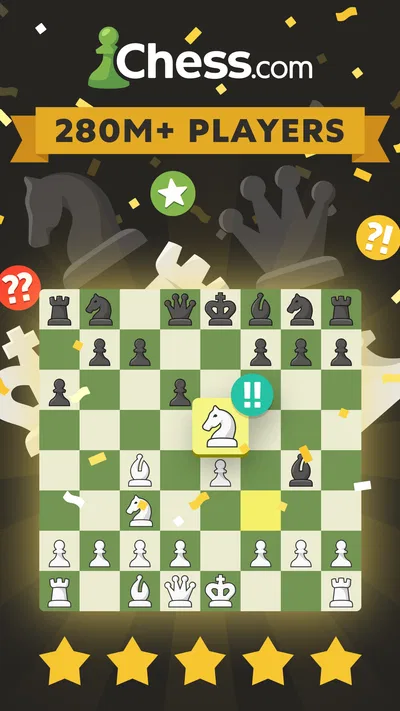
This is a free board game from Chess.com, rated for Everyone. It has a 4.7 average from around 3.5 million ratings, and more than 100 million installs. Those figures suggest broad appeal, but they do not tell you whether its pace will suit you. Chess rewards concentration, and online play can feel demanding when you are still learning. I would recommend it to anyone curious about improving or finding opponents, while being more cautious if you only want a quiet, offline board to play at your own speed.
Small goals make it easier to begin
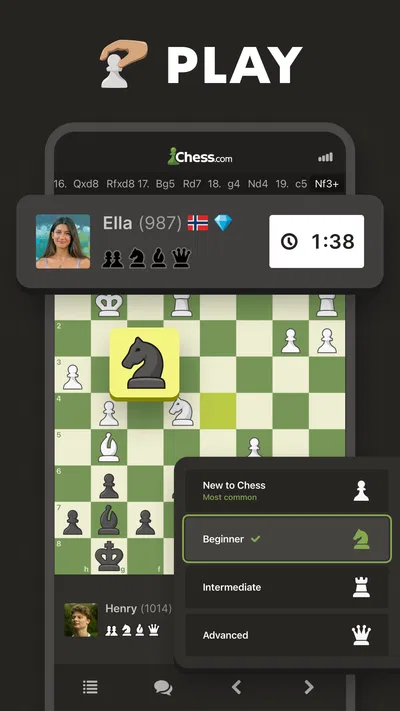
The first useful goal is simply to play a game and notice what you need to work on. That sounds obvious, but it is a better starting point than trying to absorb every chess idea at once. The app brings online games, tactics, puzzles, and analysis into the same chess-focused experience, so a mistake in one match can become a reason to study a specific position instead of a reason to give up.
I find that this creates a practical loop: play, identify a moment that felt unclear, and spend a little time on a puzzle or review. The key is to keep the goal modest. Rather than telling yourself to “get good at chess,” try to spot a hanging piece, check whether a move leaves your king exposed, or explain why you chose a particular move. Those small questions make practice feel purposeful without requiring a long study session.
A realistic use case is a short break between errands. I might solve a puzzle while waiting, then save a longer online game for later when I can concentrate. That division matters: a puzzle has a contained task, while a game asks me to keep track of changing threats and manage my clock. If I have only a minute, I would choose a quick exercise over starting a match I may have to abandon.
The app’s broad mix is helpful for newcomers, but it can also make the experience feel busy. Chess has a steep vocabulary and an even steeper number of possible decisions. I would not treat every available activity as homework. Pick one focus at a time—tactics, opening choices, or reviewing a game—and let the rest wait. A small, repeatable practice goal is more useful than trying to use every learning tool at once.
Progress is clearer when you review decisions
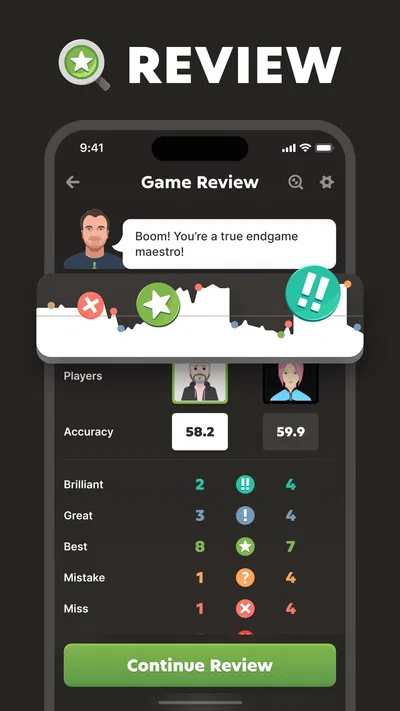
Chess improvement is not always visible from one result. Winning can hide poor decisions if an opponent misses a chance, and losing can still include a position you handled well. That is why analysis is valuable here: it gives me a way to look back at the game instead of judging my ability only by the final outcome. I get more from asking “What changed in this position?” than from simply replaying the moves and feeling annoyed.
One useful habit is to pick a single turning point after a game. Before looking at any analysis, I try to remember what I thought the threat was and what I expected my move to accomplish. Then I compare that intention with what actually happened. This makes review more active and helps reveal recurring habits, such as moving too quickly when under pressure or focusing on my own attack while overlooking the opponent’s reply.
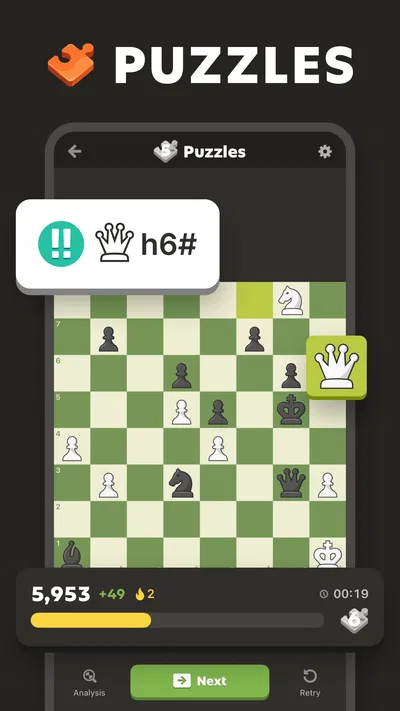
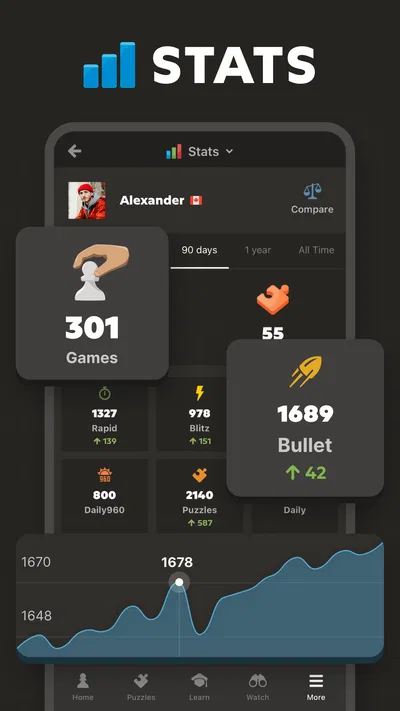
Puzzles offer a different progress signal. They let me concentrate on a tactical idea without the many other demands of a full game. When I miss one, I try to explain the pattern in plain language before moving on: perhaps a piece is undefended, a king has limited escape squares, or a forcing move changes the position. That explanation is more memorable than tapping through an answer and immediately starting another puzzle.
There is a trade-off: analysis can be discouraging if I expect it to hand me a complete lesson. A suggested improvement is not the same as understanding why a move works, and looking at a position after the fact can make the right choice seem easier than it felt during play. I recommend treating analysis as a prompt for investigation, not as a verdict on your intelligence. If a position remains confusing, return to it later or ask a more specific question.
The challenge depends on how you choose to play
Chess itself supplies a natural difficulty curve: the more you learn to notice, the more possibilities you become aware of. The app’s combination of online play and learning activities lets you move between testing yourself and working on a weakness. That flexibility is useful, but the experience can become intense if every match is treated as a test of progress. I prefer alternating a serious game with lower-pressure study, especially after a frustrating loss.
For a beginner, the hardest part may not be remembering a named opening. It is learning to pause before a move and ask what the opponent can do next. A simple routine helps: check for threats against your king, look at loose pieces on both sides, and consider whether your intended move gives something away. I use this as a mental checklist rather than trying to calculate every possible continuation. It is easier to sustain and often catches the most avoidable errors.
More experienced players may appreciate having opponents and analysis close at hand, but the app should not be mistaken for a complete coaching relationship. A game can expose a weakness; it does not necessarily explain the best long-term training plan. If you are preparing for structured competition, a coach, a dedicated course, or a physical study book may be a better complement. The app is strongest as an accessible place to play and revisit positions, not as a substitute for every form of chess instruction.
Compared with a traditional chess clock and board, online play is more convenient for finding a game and studying afterward, but it loses the quiet, face-to-face feel of sitting across from someone. Compared with a standalone chess puzzle app, this one offers a wider path from solving to playing and analysis. That breadth is its advantage when I want one place for several kinds of chess practice; it is less compelling if I want only a simple board, no online interaction, or a narrowly focused lesson tool.
Keeping play healthy rather than pressured
Online chess makes it easy to start another game after a loss, which can be tempting when I want to repair my result immediately. I have found it more useful to pause and name the mistake first. If I cannot explain what went wrong, another fast game may only repeat the same pattern. A short puzzle or a review of one critical position can turn that frustration into a concrete task.
There is no need to make every session a progress session. Sometimes I want to play for enjoyment, and sometimes I want to study. Separating those intentions keeps the experience from feeling like an endless test. For example, I might decide beforehand that I will play one focused game, then stop and review one decision. On another day, I might solve a few positions and leave without starting a match. This gives each visit a natural endpoint.
The game is free to download, with in-app purchases ranging from $1.00 to $229.99 per item. That is worth keeping in mind if you are sensitive to optional spending: I would check the purchase details in the app store before buying anything and decide what, if anything, would genuinely improve my routine. The basic appeal of playing chess and practicing tactics does not require me to treat every optional item as necessary. A free starting point makes it easy to see whether the format fits before spending.
Chess.com’s game has been available since February 1, 2010, and its long-running presence is reflected in the large community around it. That can be reassuring if finding online opponents is part of your reason for trying it. At the same time, a large audience does not guarantee that every opponent or game will match your preferred pace. If competitive pressure puts you off, use the learning side first and approach online play when you feel ready.
Who will get the most from it
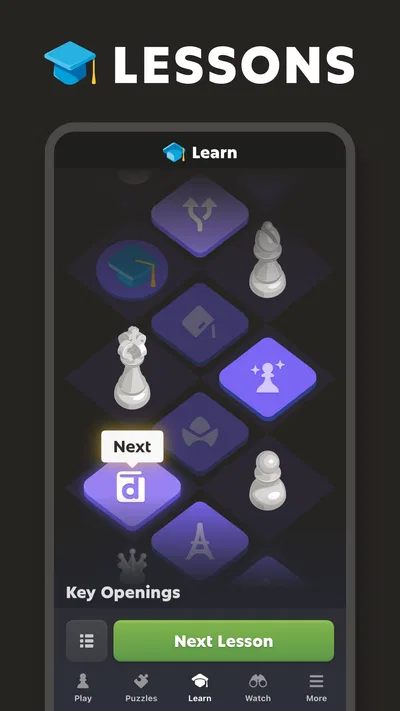
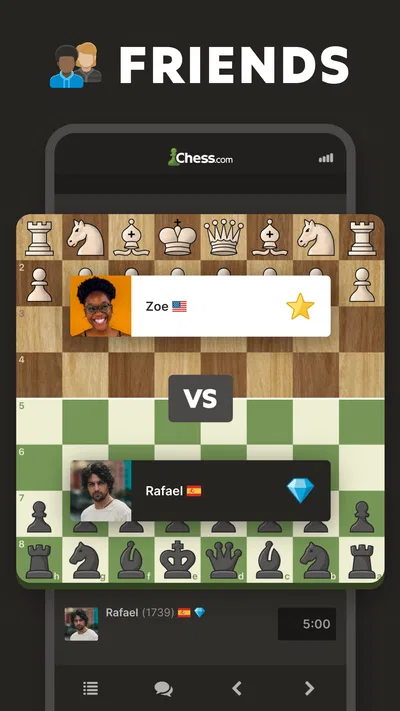
I would point this toward a beginner who wants to learn by doing, a casual player who enjoys solving tactical positions, or a returning player who wants a convenient way to play online and revisit mistakes. It is also a reasonable choice if friends are already interested in chess and you want a shared place to play. The best results come when you are willing to spend a little time thinking about positions, not just moving pieces quickly.
I would suggest a different option for someone who wants a purely offline experience, a physical-board atmosphere, or a highly structured course that leads them through a fixed curriculum. It may also frustrate a player who dislikes time pressure or does not want to face online opponents. Chess is unforgiving when attention slips, and no app can remove that fundamental demand. If that is what makes the game unpleasant for you, a slower solo format may be a better fit.
My practical advice is to begin with a clear routine: play when you have enough time to focus, use puzzles for shorter sessions, and review one meaningful decision rather than every move. If you are new, do not measure progress only by wins. Notice whether you are spotting threats earlier or understanding why a tactic works. Those are more useful signs that your thinking is changing.
A progression that works best at your pace
For me, the appeal is not a promise of constant rewards or a shortcut to mastery. It is the connection between a real game and the chance to learn from it. I can set a small goal, test it against an opponent, and use a puzzle or analysis to explore what I missed. That cycle gives the app a reason to return to without making every session feel identical.
The main limitation is also tied to that strength: there is a lot to engage with, and chess can turn a casual visit into a demanding mental workout. I would keep the experience focused, avoid chasing a result when I am tired, and treat analysis as a learning aid rather than a grade. With those expectations, Chess - Play and Learn Online is a compelling choice for anyone who wants online chess and practical ways to think more carefully about the game.